TIFF vs JPEG | Which File Format Should You Use? | Capture On Labs
TIFF vs. JPEG: Which File Format Should You Use for Printing?
Estimated Reading Time: 8 minutes
The Short Answer
If you're ordering prints, a high-quality JPEG is almost always the right choice.
If you're editing heavily, archiving important work, or creating artwork reproductions, keep a TIFF as your master file.
Here's the part that surprises most people. A properly exported JPEG can produce a print that looks virtually identical to a TIFF. The biggest differences happen before the print is ever made.
People Ask Us This All the Time
"Should I upload a TIFF instead of a JPEG?"
Some photographers have been told that TIFF files always produce better prints. Others have heard JPEGs ruin image quality. Both statements have a little truth behind them, but neither tells the whole story.
After printing thousands of photographs over the years, we've found that file format is rarely the thing that determines whether someone loves their print.
Much bigger factors include proper editing, exporting correctly, choosing the right color space, and selecting the right paper.
If you've already read our guide on why prints don't match your screen, you know that your monitor can have a much bigger impact on the final result than whether your file ends in .jpg or .tif.
What Is a JPEG?
JPEG is the most common image format in photography.
When you export a JPEG, the file is compressed so it's much smaller and easier to store, upload, and share.
That compression is called "lossy," which simply means some image information is discarded to reduce file size.
That sounds worse than it usually is.
If you export a JPEG from Lightroom or Photoshop using the highest quality settings, the amount of information that's removed is so small that most people will never notice it, even in large prints.
Where JPEG starts to lose its advantage is when the same file is edited and saved over and over again. Every time it's re-saved, a little more information can be lost.
Think of it like making a copy of a copy. One copy looks great. Fifty copies later, you begin to notice the quality slipping.
What Is a TIFF?
TIFF stands for Tagged Image File Format.
Unlike JPEG, TIFF files can preserve all of the image information without using lossy compression.
That makes TIFF an excellent choice for photographers who want to keep a master file of their finished work.
TIFF files also support higher bit depths and are commonly used for professional retouching, artwork reproduction, and long-term archiving.
The downside is file size.
A JPEG might be 15 to 20 MB.
The same image saved as a TIFF could easily be 150 MB or more.
For many photographers, that extra storage isn't necessary once the editing is finished.
Will a TIFF Produce a Better Print?
This is probably the biggest misconception surrounding file formats.
In many real-world situations, the answer is no.
If you gave us a properly exported TIFF and a properly exported JPEG from the same image, printed them at the same size on the same paper, most people would never be able to tell which was which.
That's because modern JPEG compression is remarkably good.
TIFF doesn't create more detail.
It doesn't magically make colors richer.
It doesn't make your printer perform better.
What TIFF does is preserve flexibility during editing.
That's a very different benefit.
When We Recommend JPEG
For most customers, JPEG is exactly what we'd recommend.
It's perfect for:
- Family photos
- Vacation pictures
- Wildlife photography
- Landscape photography
- Wedding photographs
- Online print orders
- Images exported directly from Lightroom
JPEG files upload faster, take up less storage, and produce beautiful prints when exported correctly.
When TIFF Makes Sense
There are definitely situations where TIFF is the better choice.
We recommend keeping TIFF files if you're:
- Creating museum-quality artwork reproductions
- Working with complex Photoshop edits
- Saving a permanent master copy
- Sending files through multiple rounds of editing
- Preserving important images for the future
If storage space isn't a concern, keeping a TIFF as your archive file is never a bad idea.
The Things That Matter More
If you're trying to get the best possible print, don't spend all your energy worrying about TIFF versus JPEG.
These things have a much bigger impact.
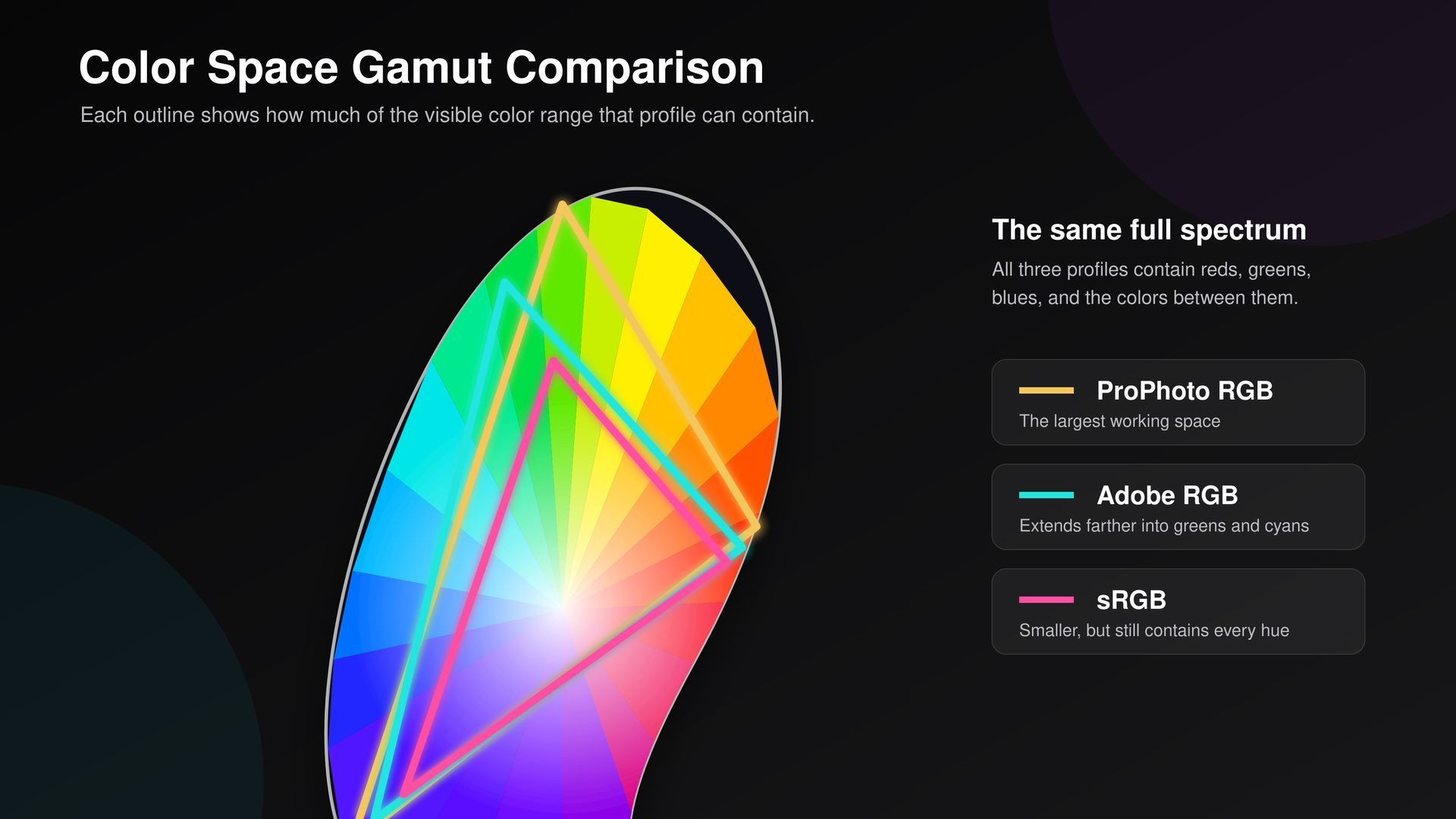
- Exporting with the correct color profile
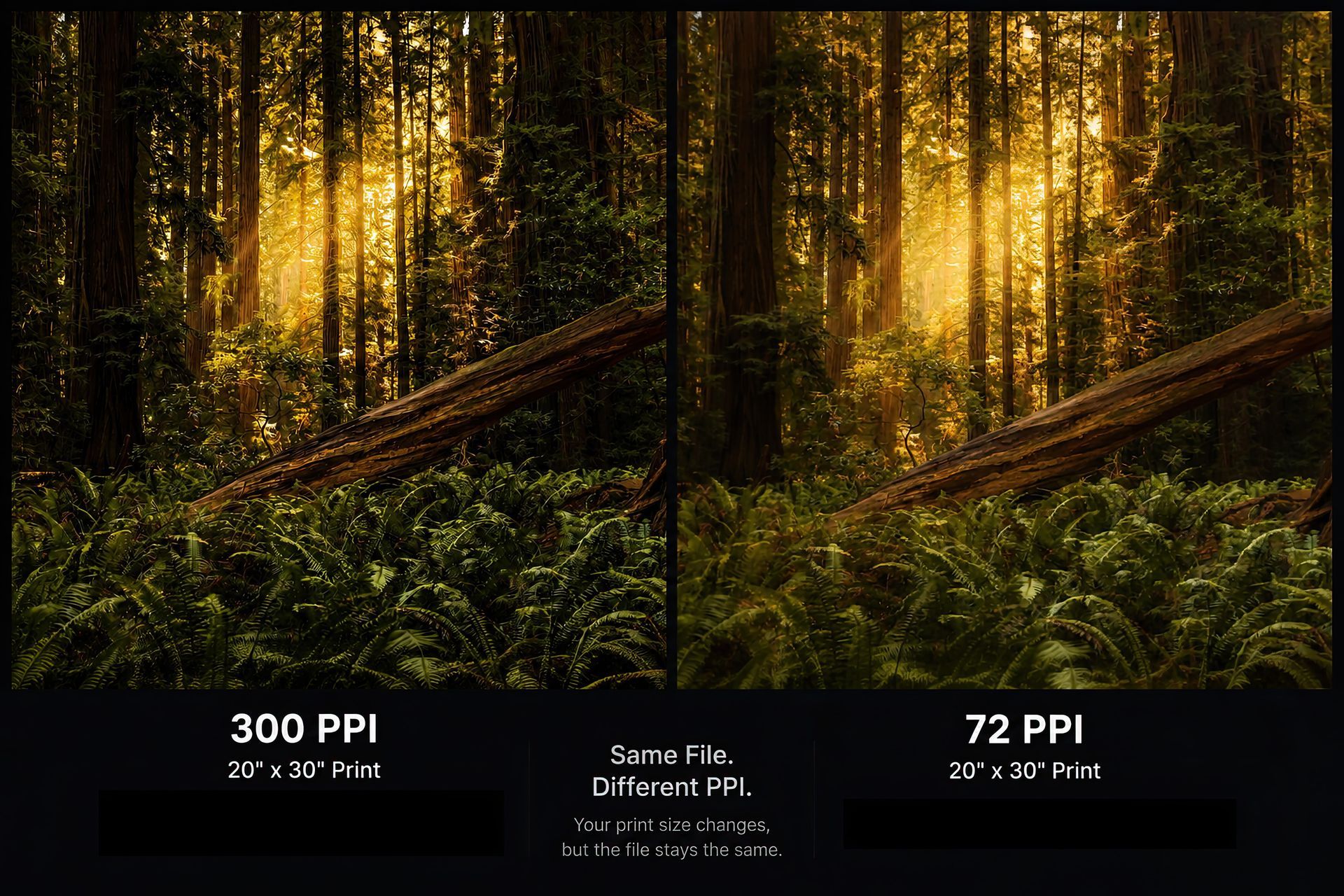
- Using enough resolution
- Calibrating your monitor
- Keeping your screen brightness under control
- Choosing the right paper
- Applying sharpening correctly
Those decisions will affect your print far more than simply choosing one file format over another.
TIFF vs. JPEG at a Glance
FeatureJPEGTIFFFile SizeSmallLargeUpload SpeedFastSlowerEveryday PrintingExcellentExcellentEditing FlexibilityGoodExcellentLong-Term ArchiveGoodExcellentPhotoshop WorkflowGoodExcellentFine Art ReproductionVery GoodExcellent
My Recommendation
If you walked into Capture On and asked me which format to print from, here's what I'd tell you.
Keep a TIFF if you want a master file.
Print from a high-quality JPEG.
I'd much rather receive a properly prepared JPEG than a TIFF that was exported incorrectly.
At the end of the day, the quality of your editing, your export settings, and your paper choice will have a much bigger impact on the finished print than whether the file is a JPEG or a TIFF.
Frequently Asked Questions
Can Capture On print TIFF files?
Absolutely. We print TIFF files regularly, especially for artwork reproductions and professional projects.
Will TIFF make my print sharper?
No. Sharpness comes from the original image, proper editing, and correct export settings. Simply changing the file format won't add detail.
Should I export TIFF from Lightroom?
For most photographers, no. A maximum-quality JPEG is easier to upload and produces outstanding results.
Is TIFF better for Photoshop?
Yes. TIFF is an excellent working format if you're making extensive edits or want to preserve a master file.
What file format do you recommend?
For most customers ordering prints, we recommend a high-quality JPEG exported using the correct color space and settings.
Still Not Sure?
If you're unsure which format is best for your project, send us the file or stop by the shop.
We'll take a look, answer your questions, and help you choose the option that makes the most sense for your image.